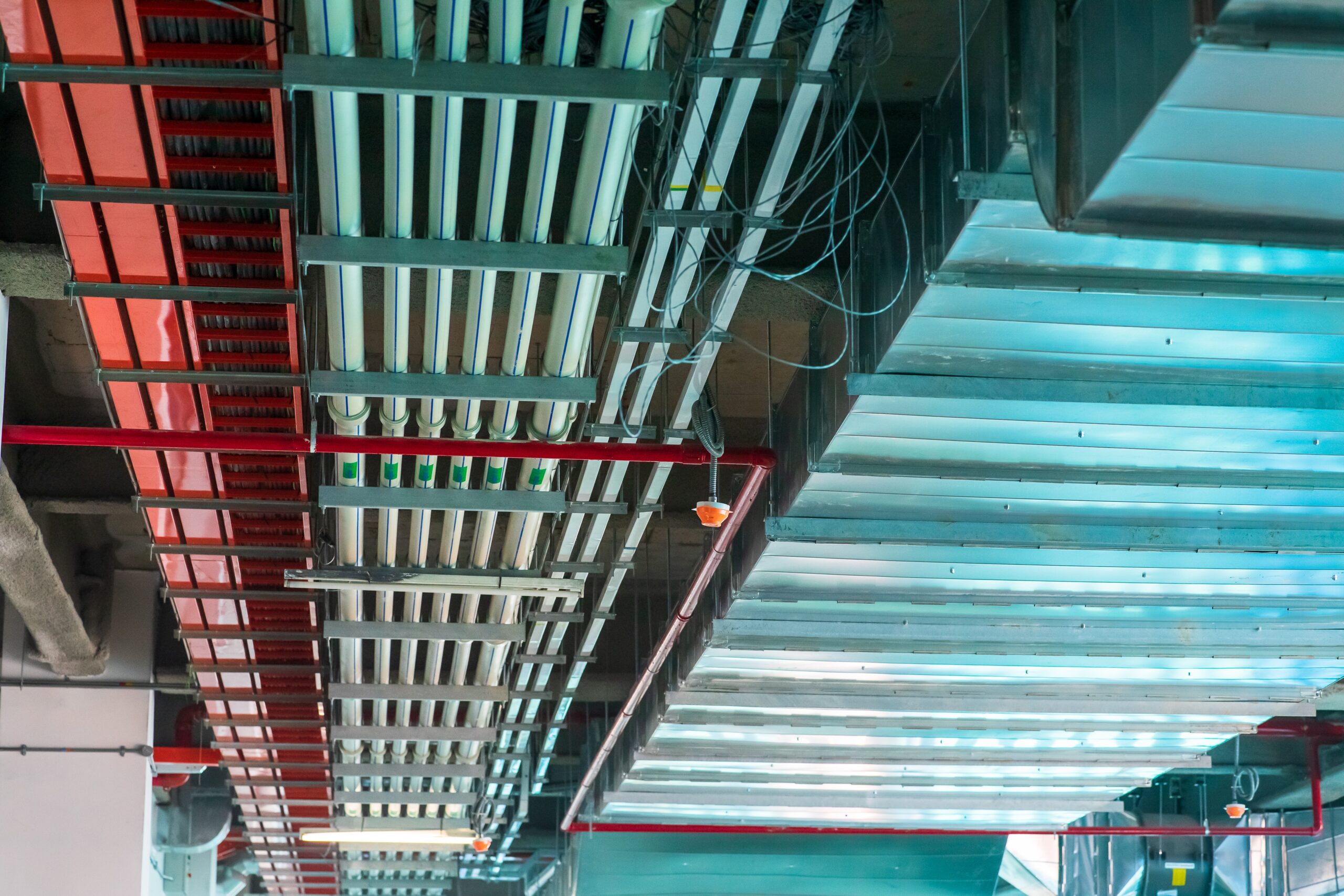
A new retail application can look ready in the demo and fail in the store. Mobile POS stalls where Wi-Fi coverage is weak. Digital signage arrives before electrical outlets and data drops. Cameras overload aging switches. Then installers return, ceilings reopen, configurations change, and the retailer pays again for work that could have been completed once. Retail store modernization rarely fails on the application alone. It fails on sequence.
Retail Store Modernization Starts With a Readiness Gate
Before buying devices or scheduling installations, define what the capability must do at store level. Document bandwidth, latency, power, mounting, cabling, security, integration, uptime, and support requirements. Survey representative locations, including older and high-volume stores, and compare actual conditions with those requirements.
That discipline matters. The 2026 Connected Retail Experience Study from Verizon, Cisco, and Incisiv, based on 124 retail executives, found that only 39% were satisfied with network support for edge computing and 49% with peak-traffic management. The same study reported that AI and machine learning applications drive 67% of network upgrades. New capabilities are already pressing against uneven foundations.
Build the Store in Five Gates
Move each location forward only when the previous gate passes:
- Foundation: Validate electrical capacity, UPS coverage, structured cabling, switch ports, Wi-Fi coverage, WAN diversity, network segmentation, and remote monitoring.
- Platforms: Confirm security policies, identity, device management, payment scope, integrations, data flows, and observability. PCI DSS provides a baseline of technical and operational requirements for systems that store, process, or transmit cardholder data, or that could impact the security of the cardholder data environment.
- Devices: Standardize approved models, operating-system versions, mounts, peripherals, configuration images, and spare ratios. Test the complete device-and-application combination in a lab that mirrors store conditions.
- Pilot and support: Use a small, varied store group. Train associates and help-desk teams; define ownership, escalation, rollback, replacement, and change-window procedures. Measure transaction time, connectivity, incident volume, and recovery time.
- Customer-facing scale: Roll out only after the pilot meets agreed thresholds and every store passes a readiness checklist.
Treat Resilience as a Business Requirement
Ericsson’s 2025 State of Enterprise Connectivity retail findings found that 35% of surveyed European retailers had experienced some revenue loss because of poor connectivity. Censuswide surveyed 189 technology decision-makers at medium and large retailers across five countries. The message for any distributed store estate is practical: connectivity is part of the revenue path, not a background utility. Store programs need a tested backup connection, documented recovery steps, remote visibility, and clear support ownership before launch day.
Sequencing the Estate With a Partner
At Asset Enterprises, we help retailers assess store conditions, standardize infrastructure, coordinate deployment dependencies, and build repeatable readiness gates across a distributed estate.
Bottom Line: Retail Store Modernization Is a Sequence
Modernization should move from requirements to infrastructure, platforms, devices, pilot operations, and then customer-facing scale. Sequence the dependencies, prove each gate, and fix gaps before rollout. The reward is simpler support, less rework, and a technology investment built to last. Contact Asset Enterprises to turn the framework into a practical store-readiness and deployment plan.